RocketFish RF-AFMSE Guida Utente Pagina 10
- Pagina / 56
- Indice
- RISOLUZIONE PROBLEMI
- SEGNALIBRI

- Apple Mouse 1
- Souris pour Apple 1
- Ratón para Apple 1
- Features 3
- Mouse components 4
- Package contents 4
- Installing your mouse 5
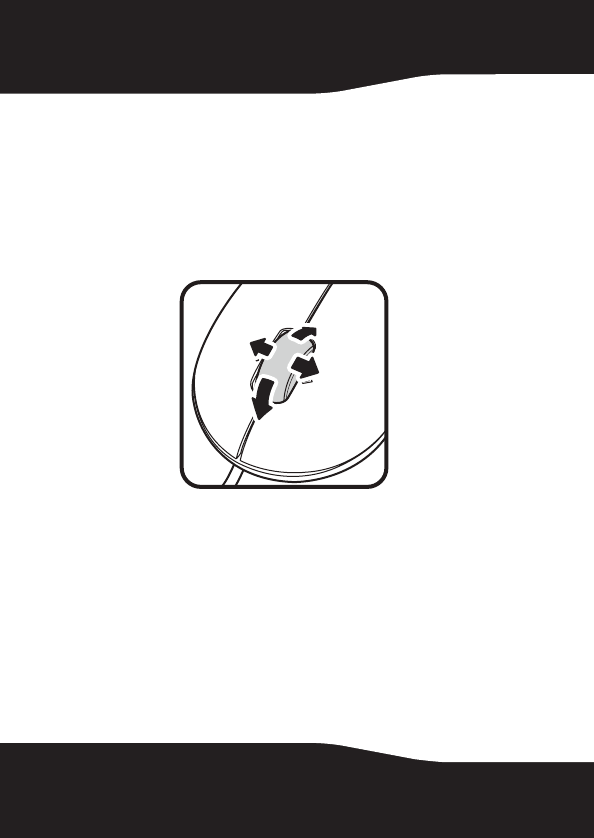
- Using the mouse 10
- Maintaining 11
- Troubleshooting 11
- Specifications 12
- Legal notices 12
- RF-AFMSE 13
- One-year limited warranty 15
- Where is the warranty valid? 16
- Rocketfish RF-AFMSE 19
- Consignes de sécurité 20
- Fonctionnalités 21
- Contenu de la boîte 22
- Configuration système requise 22
- Installation de la souris 23
- Utilisation de la souris 28
- Entretien 29
- Problèmes et solutions 29
- Spécifications 30
- Avis juridiques 30
- Avertissement de la FCC 32
- Déclaration NMB-003 du Canada 32
- Garantie limitée d’un an 33
- Seguridad 38
- Características 38
- Componentes del ratón 39
- Contenido del paquete 39
- Instalación de su ratón 40
- Utilización del ratón 45
- Mantenimiento 46
- Especificaciones 47
- Avisos legales 48
- Garantía limitada de un año 51
Prodotti e manuali riguardandi Mouse RocketFish RF-AFMSE


 (44 pagine)
© 2020, manymanuals.it. Tutti i diritti riservati | 0.025 s |
 Manymanuals.com
 Manymanuals.de
 Manymanuals.fr
 Manymanuals.it
 Manymanuals.pl
 Manymanuals.cz
 Manymanuals.es
 Manymanuals-pt.com
Commenti su questo manuale